In industrial workstation systems, it is not only the material flow that determines whether the process is smooth or unstable - the information flow is just as important. Displays, scanners, scales, labellers and light lines have a greater impact on the rhythm of movement at a workstation than it appears at first glance.
Ergonomics is not created here through „comfort“, but through orientation: the employee must always know where their hand and gaze are going next.
This is particularly evident in areas such as dispatch, assembly and quality assurance: Ergonomic information guidance reduces search movements, shortens micro-interruptions and stabilises processes - even if the cycle time remains unchanged.
Information logic beats information quantity
Expert users know the principle: it's not about how many monitors, displays or little helpers a workstation has - but where they sit and how they influence the movement sequence.
Three points are crucial:
- Visual axes: Information must be accessible without head rotation.
- Gripping axles: Displays and devices must not interrupt reach zones.
- Transitions: Every piece of information must prepare the next move - not require you to pause.
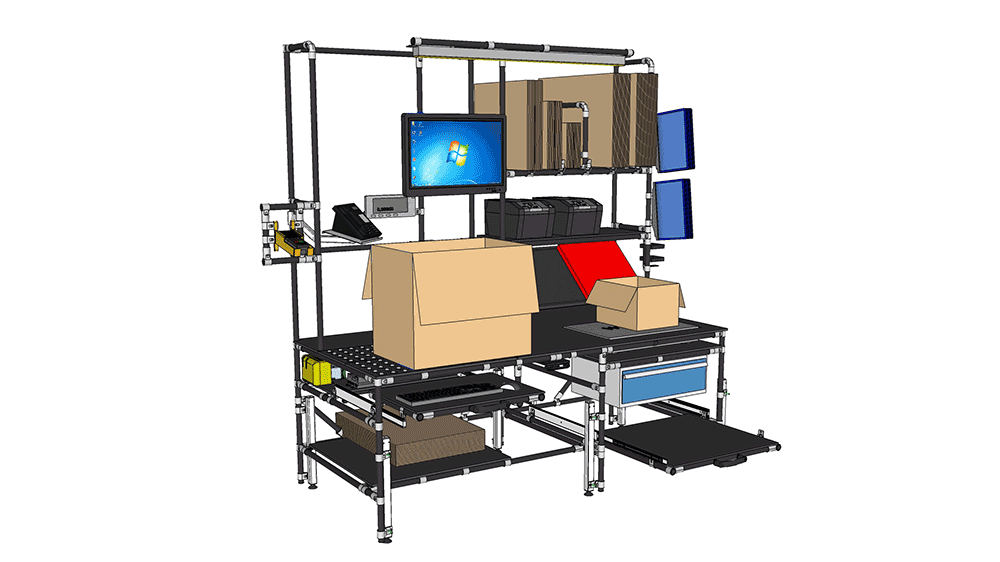
In a NeoLog project in the e-commerce sector, the display arrangement was revised: Two monitors moved from shoulder height to the horizontal line of sight; the scale display was integrated into the primary viewing corridor. The cycle time remained the same - but the error rate fell significantly. Not because the work was done differently, but because the „searching“ was eliminated.
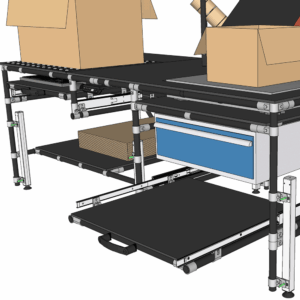
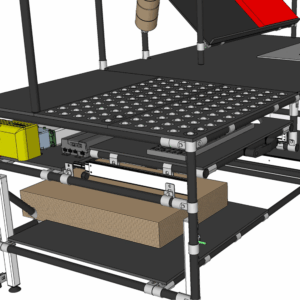
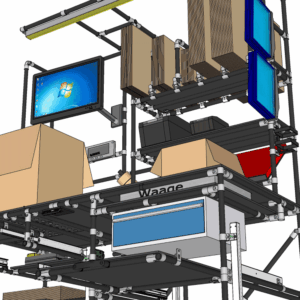
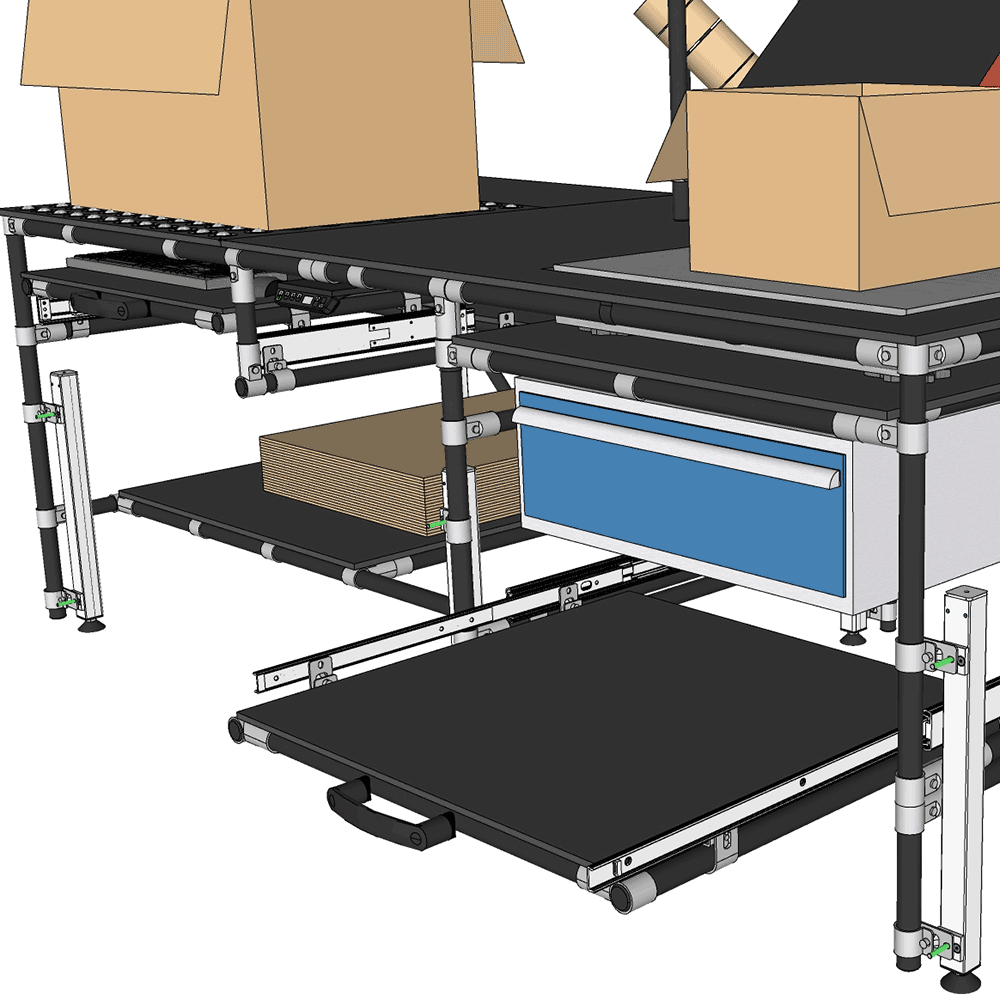
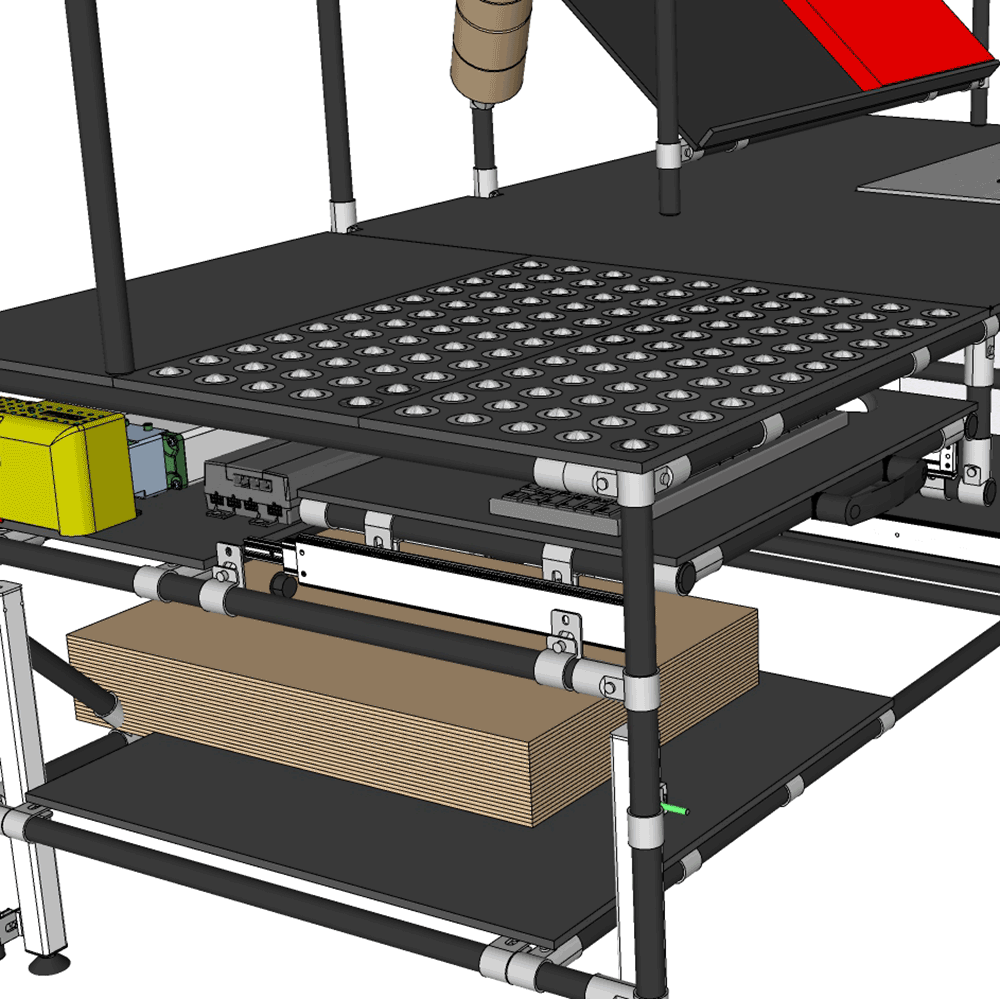
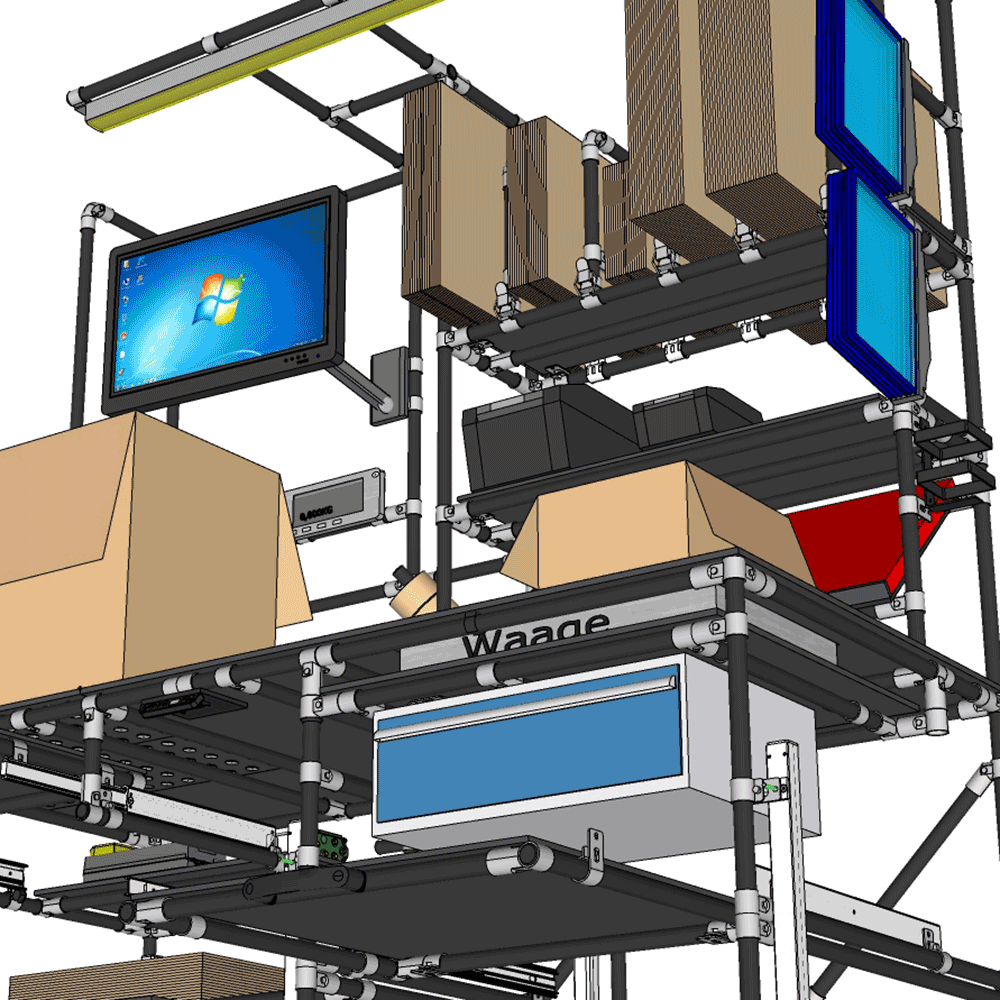
Device positions: Small shifts, big effect
The visible differences are often minimal:
10 cm higher, 15 cm further to the right, a flatter angle - and suddenly a process runs more homogeneously.
Typical ergonomic interfaces:
- Monitorsmust be in the visual axis, not above it.
- Scale displaysshould be placed where they do not interrupt the movement sequence.
- Scannerwork best in the axis of movement, not laterally.
- Label printerideal in the transition area between process step A → B.
- Lighting: is orientated along the visual axis, not the edge of the table.
An example from spare parts logistics:
By turning the monitor sideways, the employee had to rotate their upper body slightly each time. Not difficult, not „problematic“ - but with over 2,000 interactions per day, it was precisely this micro strain that made the process unsteady.
After the adjustment: Calmness in the process, less compensation, less mental dispersion.
Information guidance not only relieves physical strain, but also cognitive strain
Many ergonomic measures affect muscles and joints.
Information management concerns the head.
Search movements are often underestimated, although they:
- cost time,
- Break the rhythm,
- cause errors,
- Increase fatigue.
A workplace with clear information logic works forward-looking.
Everything is located where the next decision is made - not where there was space.
This is precisely why modular tube clamping systems such as LOGIFORM, ALUFORM and TETRIFORM are so effective: information modules, monitor rails, scanner holders or scales can be Position precisely there, where they are needed - and adapt them again just as precisely later.
Information modules as part of the material flow
In the classic layout, material flow and information flow are often separated.
In practice, the two belong together.
NeoLog projects make this clear:
- The Line of the material determines the focus.
- The Information line determines the precision.
- Both together determine the process stability.
A common pattern:
When information is moved „to the side“, evasive movements occur.
If they are located in the main axis, the process is quiet.
Why modular systems are particularly strong here
Information management is not a one-off project.
It changes when:
- Change product ranges,
- new devices are added,
- digital work steps,
- checks or scans can be added.
This is precisely the advantage of modular pipe clamping systems:
- Monitors can be aligned with centimetre precision.
- Scanner holders can also be steered.
- Lines of light can be guided along the visual axis.
- Scales or displays can be repositioned within minutes.
Our three systems - LOGIFORM, ALUFORM and TETRIFORM - interlock seamlessly and are compatible with common solutions on the market.
This is how an ergonomic information landscape, that grows with the process.
Conclusion
Information management is an ergonomic impact factor that is rarely focussed on - but in practice has an enormous influence on stability, error rates and process stability.
When visual axes are correct and information modules are logically positioned, the result is a flow that is not faster, but clearer. And clarity is the strongest form of ergonomics.